Settings and preferences
Profile, password, company details, logos and invoice defaults — all in one place.
Profile and security
Settings → Profile holds your name, email, language and timezone. The language choice changes the interface for you only; the workspace defaults are separate.
Settings → Security changes your password. If your account was created with Google and has no password yet, you can set one without entering a current password. If you already have a password, the current one is required. Accounts with a password can use Forgot password from the login page to reset it by email.
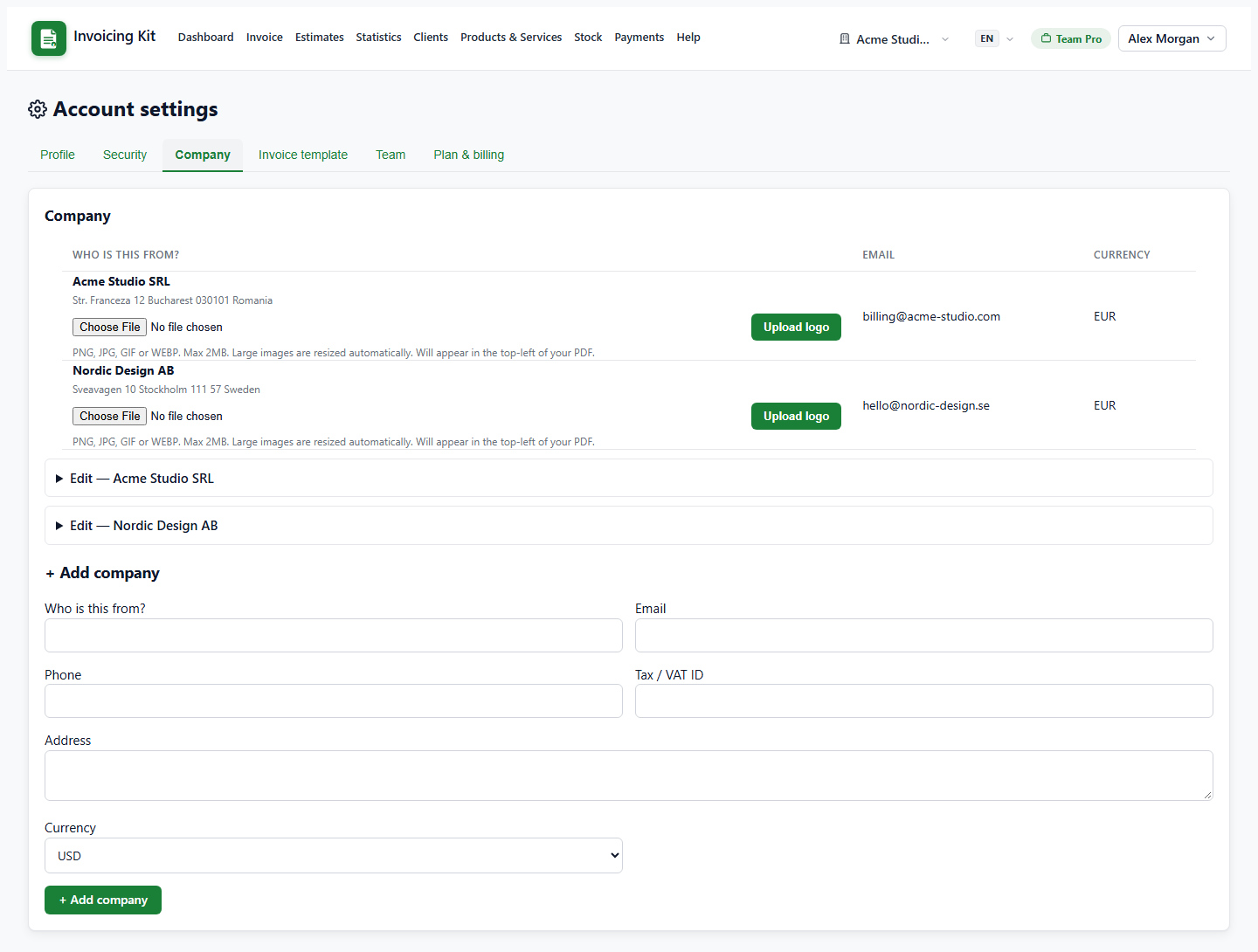
Company details and logo
Settings → Company lists every company in the workspace. Use the expandable Edit form to change the name, email, phone, address, tax / VAT ID and currency.
- Logo — upload PNG, JPG, GIF or WEBP (max 2 MB). Large images are downscaled automatically to keep PDFs fast; the logo appears in the PDF header.
- Currency — becomes the default for new documents of that company.
- Snapshot refresh — editing a company updates the issuer details on open documents (draft / sent / overdue invoices, open estimates). Paid, cancelled, converted and expired documents keep their original snapshot.
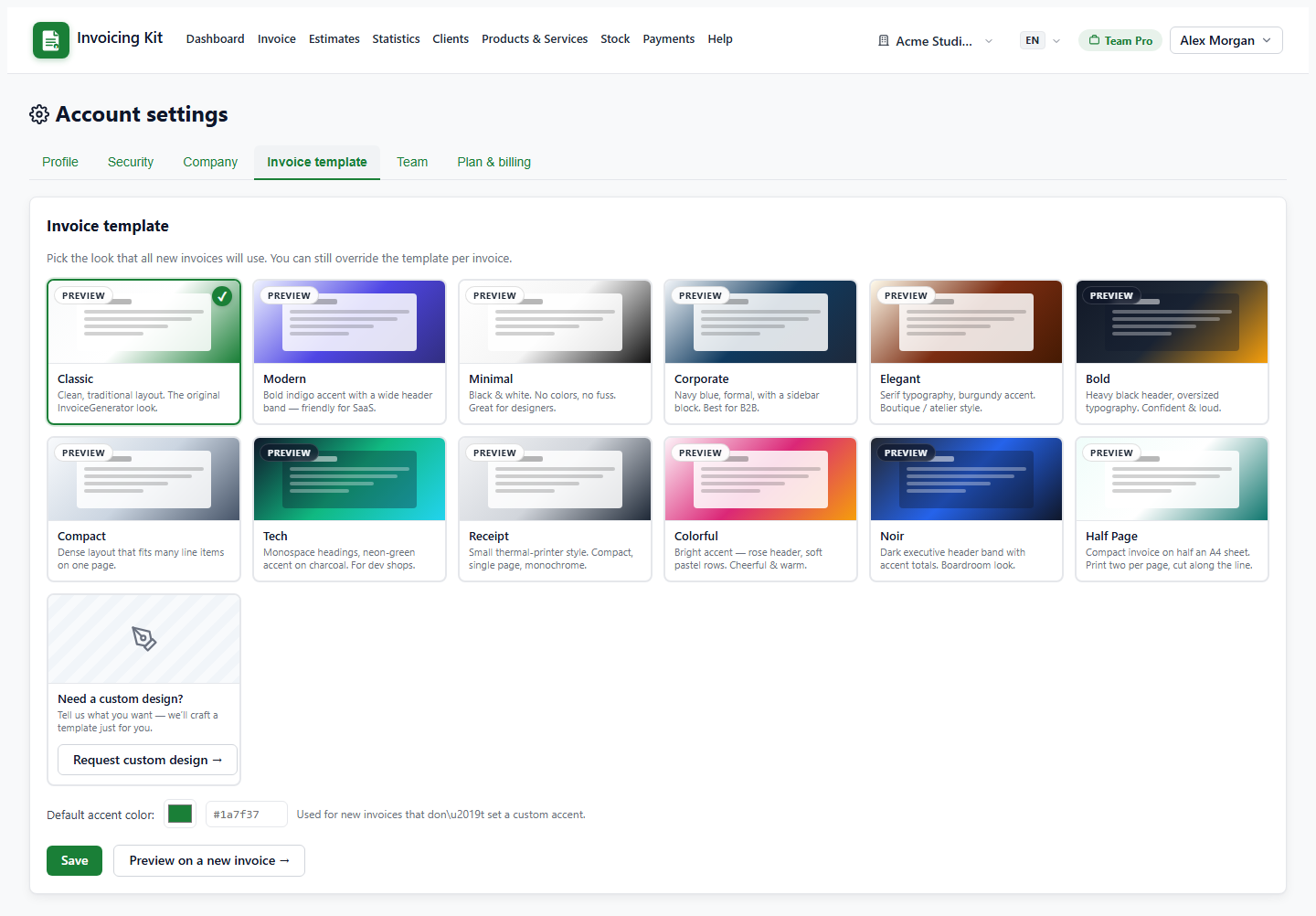
Document defaults and admin-only settings
Settings → Invoice template sets the default PDF design and accent colour for new invoices; each invoice can override them in its editor.
The same Settings page includes the team controls and the plan & billing block (including the online payments entry point). Platform-level settings — site URL, SMTP server, Stripe keys, Lemon Squeezy / Paddle credentials, administrative templates — are visible only to administrators and live under the admin panel, not in a regular workspace.