Recurring invoices
Automate monthly or weekly billing with profiles that generate invoices on schedule.
How recurring profiles work
A recurring profile is a template plus a schedule. It stores the company, client, line items, tax, discount and notes, then generates invoices automatically. Recurring invoices are a paid-plan feature; on the free plan the page shows an upsell.
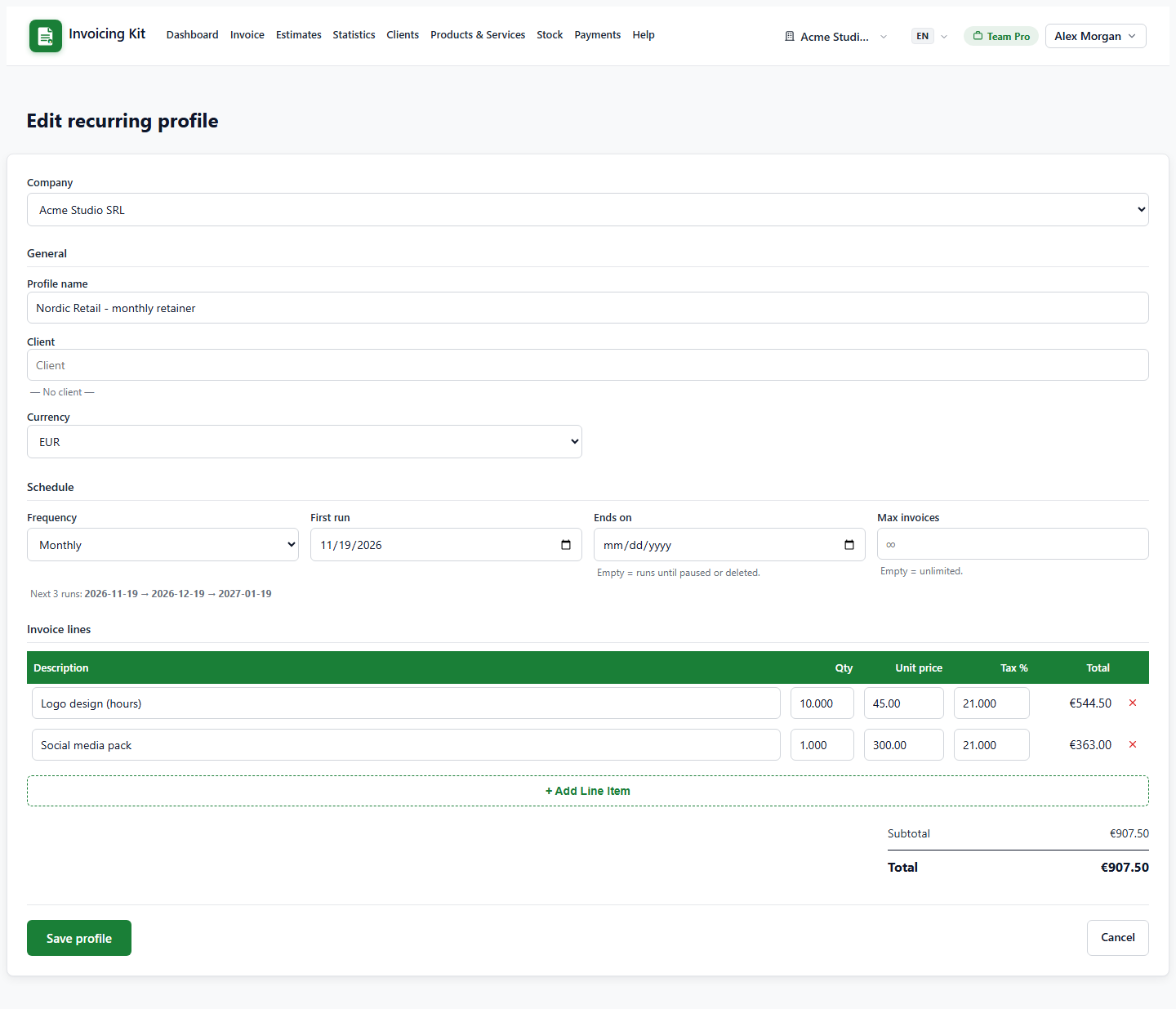
- Frequency — weekly, monthly, quarterly, yearly, etc.
- Start date and next run date — when the first and next invoices are generated.
- End date / max occurrences — optional limits.
- Status — active or paused; paused profiles do not generate.
Generated invoices are created as drafts, so you can review them before sending.
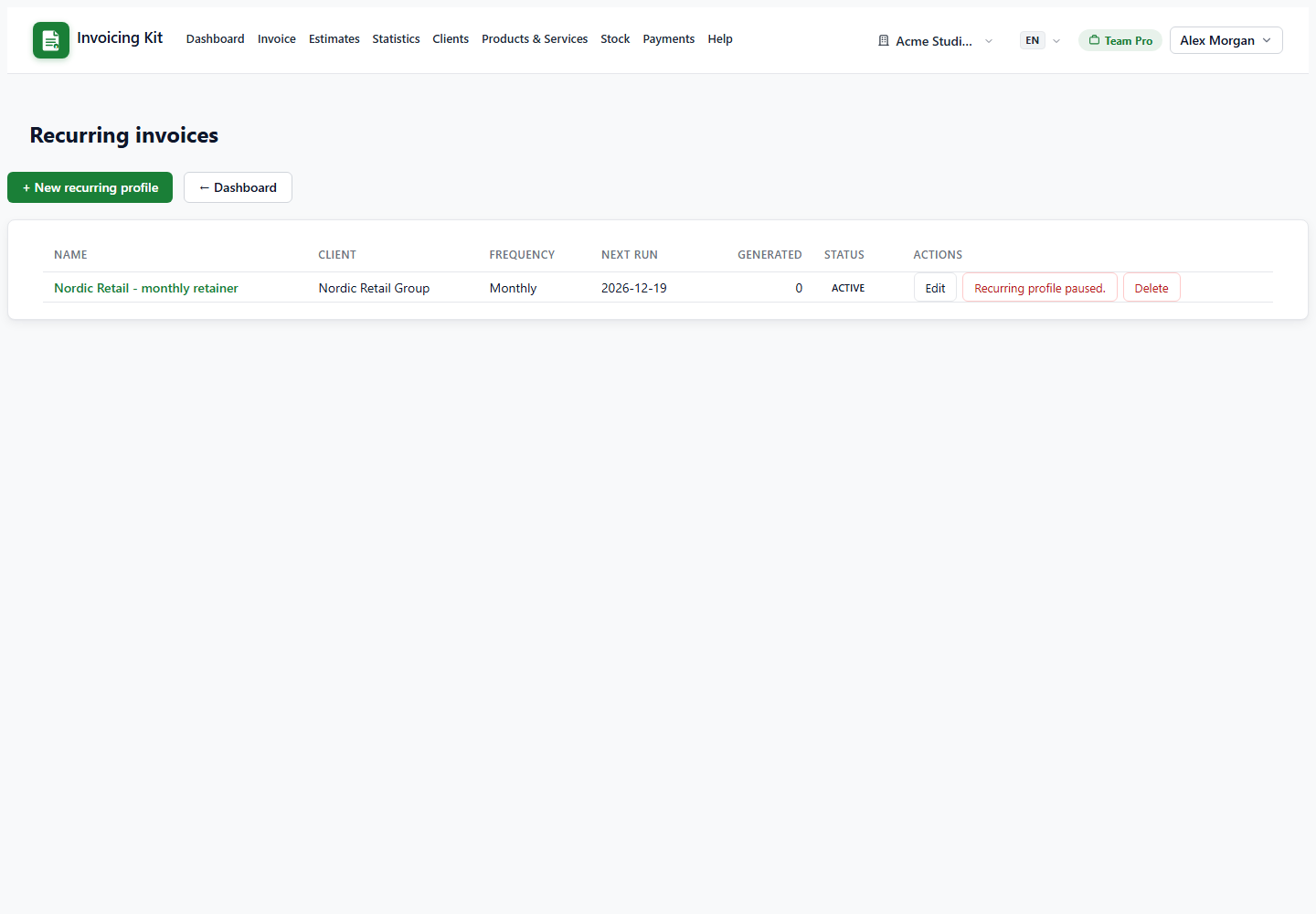
Create and manage a profile
Open Recurring → + New profile. Pick the company and client, set the schedule, then add the line items exactly as in the invoice editor (catalog autocomplete included). Save.
- The list shows the next run date, frequency, client and status.
- Use Pause / Resume to stop or restart generation without deleting the profile.
- Delete removes the profile; invoices it already generated are kept.
A profile belongs to one company. Its invoices inherit that company, numbering and currency, even when the cron run happens while another company is active.
When invoices are generated
Due profiles run in two ways:
- Lazily when someone opens the dashboard.
- Via cron — the administrator can call the token-protected
/recurring/runendpoint daily.
Each run catches up at most three missed periods per profile, then advances the next run date. If the invoice quota is full, that run is skipped without advancing, so the invoice is generated after you upgrade or the quota resets. Runs are account-wide: all companies are processed.