← All guides
Multiple companies
Run several brands or legal entities in one workspace, with separate documents and numbering.
What is per-company and what is shared
Each company behaves like a separate issuer:
- Per company — invoices (and their numbering), estimates, payments received, recurring profiles, stats and the per-client invoice counts / open balances.
- Shared — your clients, product catalog and stock, team members and the account itself.
Documents always record a snapshot of the issuing company, so an old invoice keeps its original header even if the company details change later.
Switch companies
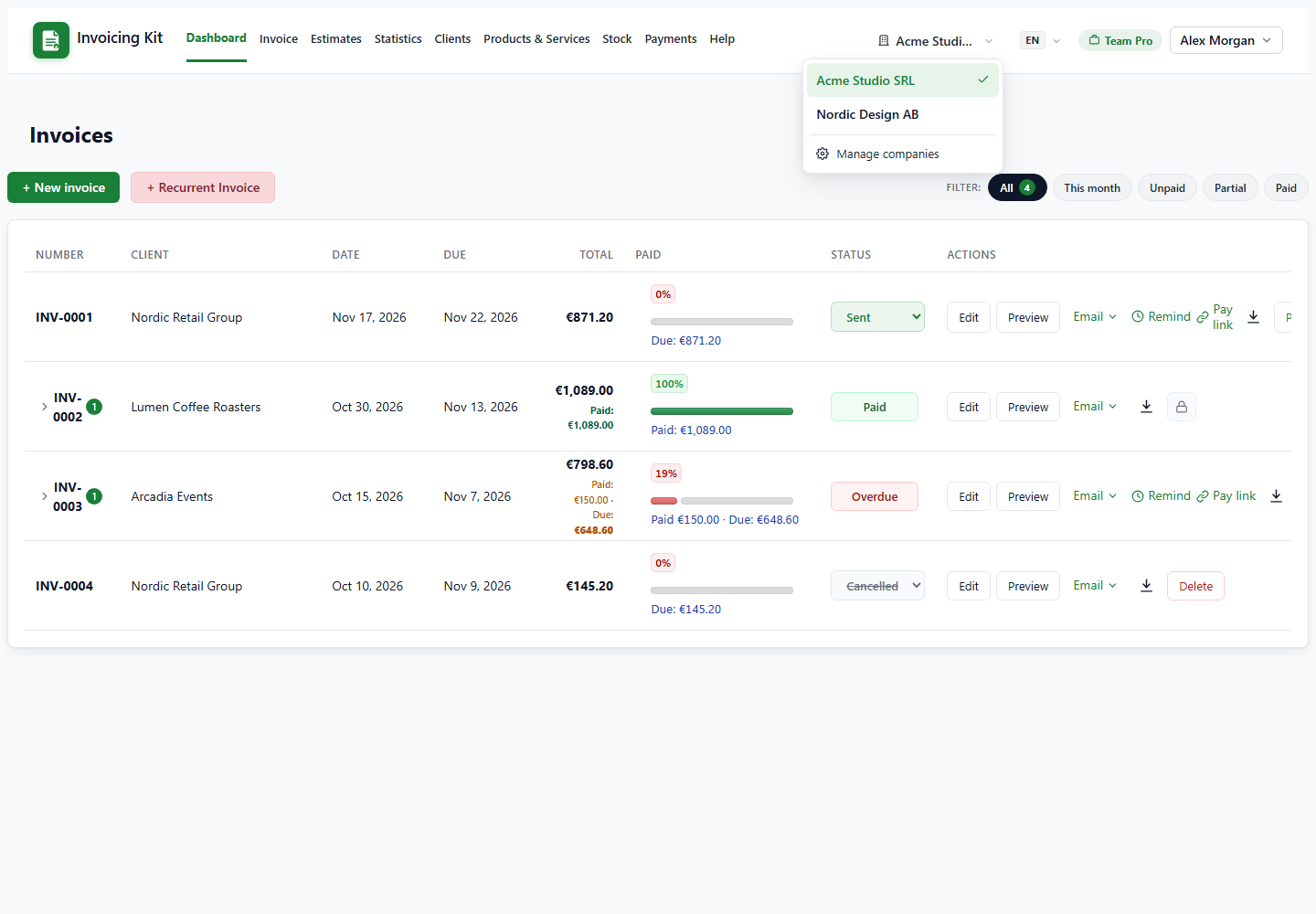
When the workspace has more than one company, the navbar shows a company switcher with the active company. Picking another company reloads the current page in that context: the dashboard, lists, totals and the company used for new documents all change.
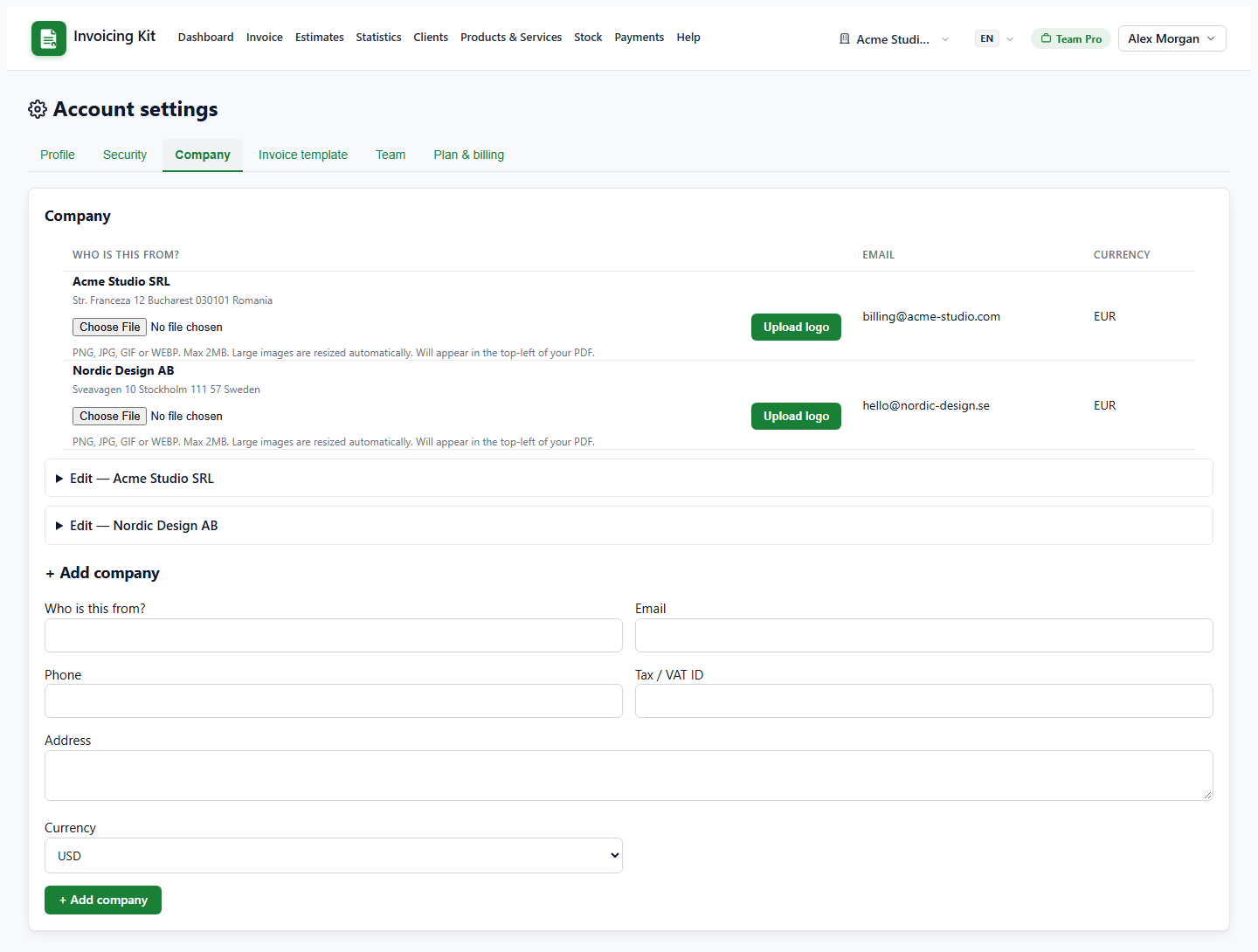
Use Manage companies at the bottom of the switcher to jump to Settings → Company, where you can edit names, addresses, tax IDs, currencies and logos, or add another company.
Behaviour to know
- Numbering — invoice and estimate counters are per company; two companies can both have INV-0001.
- Default currency — a new document starts with the active company's currency; the company selector inside the editor can switch it.
- Editing a company refreshes the snapshot on open documents (draft / sent / overdue invoices, pending / accepted / declined estimates). Paid, cancelled, converted and expired documents stay frozen.
- Payments can only be allocated to invoices of the active company; switch companies before recording a cross-company payment.
- First company — when you create your first company, documents saved before multi-company support are adopted into it automatically, so nothing disappears.