Estimates (quotes)
Send priced proposals without touching stock or the invoice quota, then convert with one click.
Create an estimate
Open Estimates → + New estimate. The editor works like the invoice editor: company, client, issue date, valid until, line items from the catalog or free text, tax and discount, notes and terms.
Estimates are deliberately separate from invoices: creating or editing one does not consume the invoice quota and does not change stock, even when you use stocked products. Each estimate gets its own number (EST-…), per company.
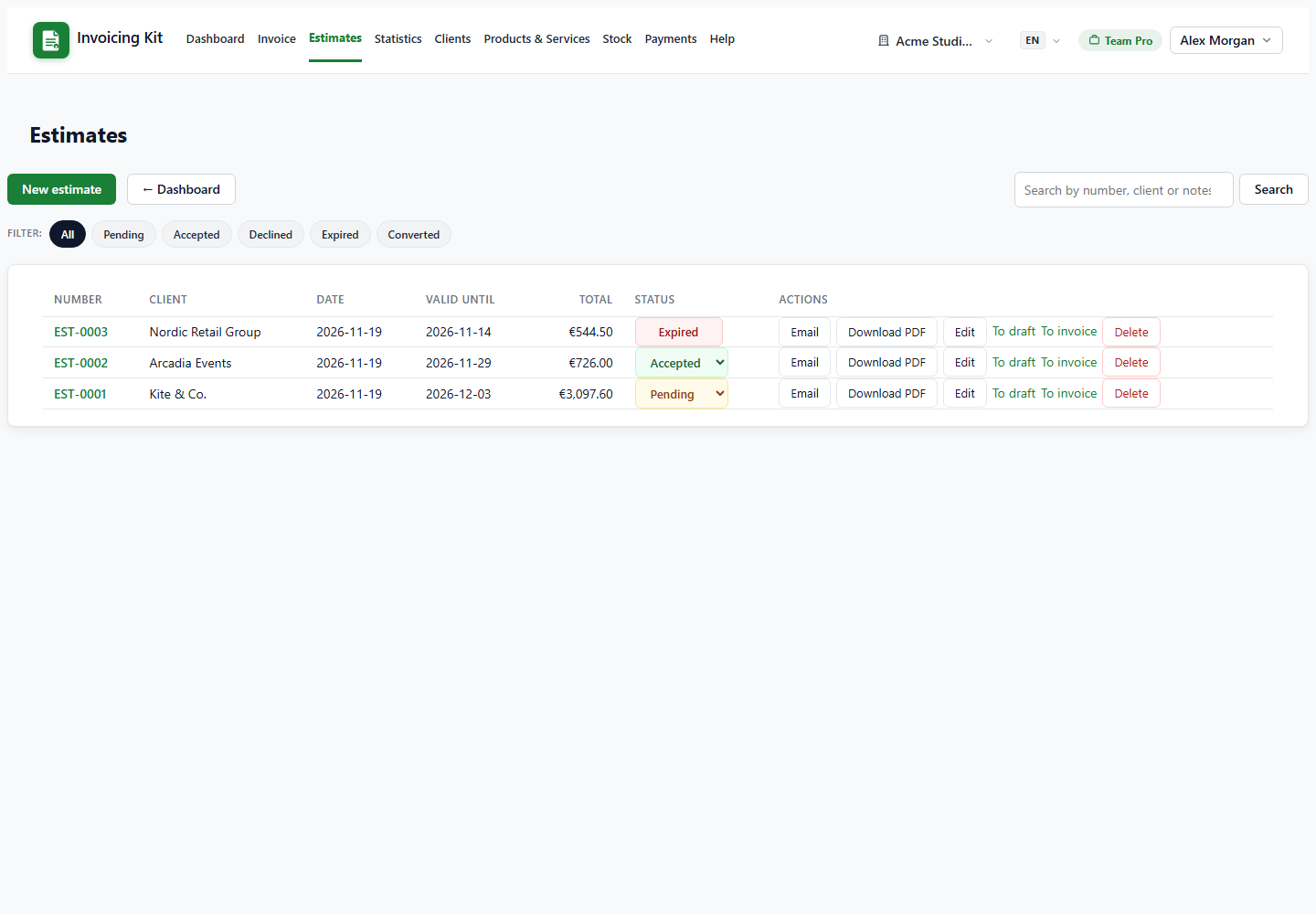
Statuses and expiry
The status is shown inline in the list as a dropdown:
- Pending — sent to the client, awaiting a decision.
- Accepted / Declined — manual decisions you record.
- Expired — set automatically when valid until has passed; locked.
- Converted — set automatically when you convert to an invoice; locked.
Editing a client refreshes the snapshot on open estimates (pending, accepted, declined). Converted and expired estimates keep their original snapshot.
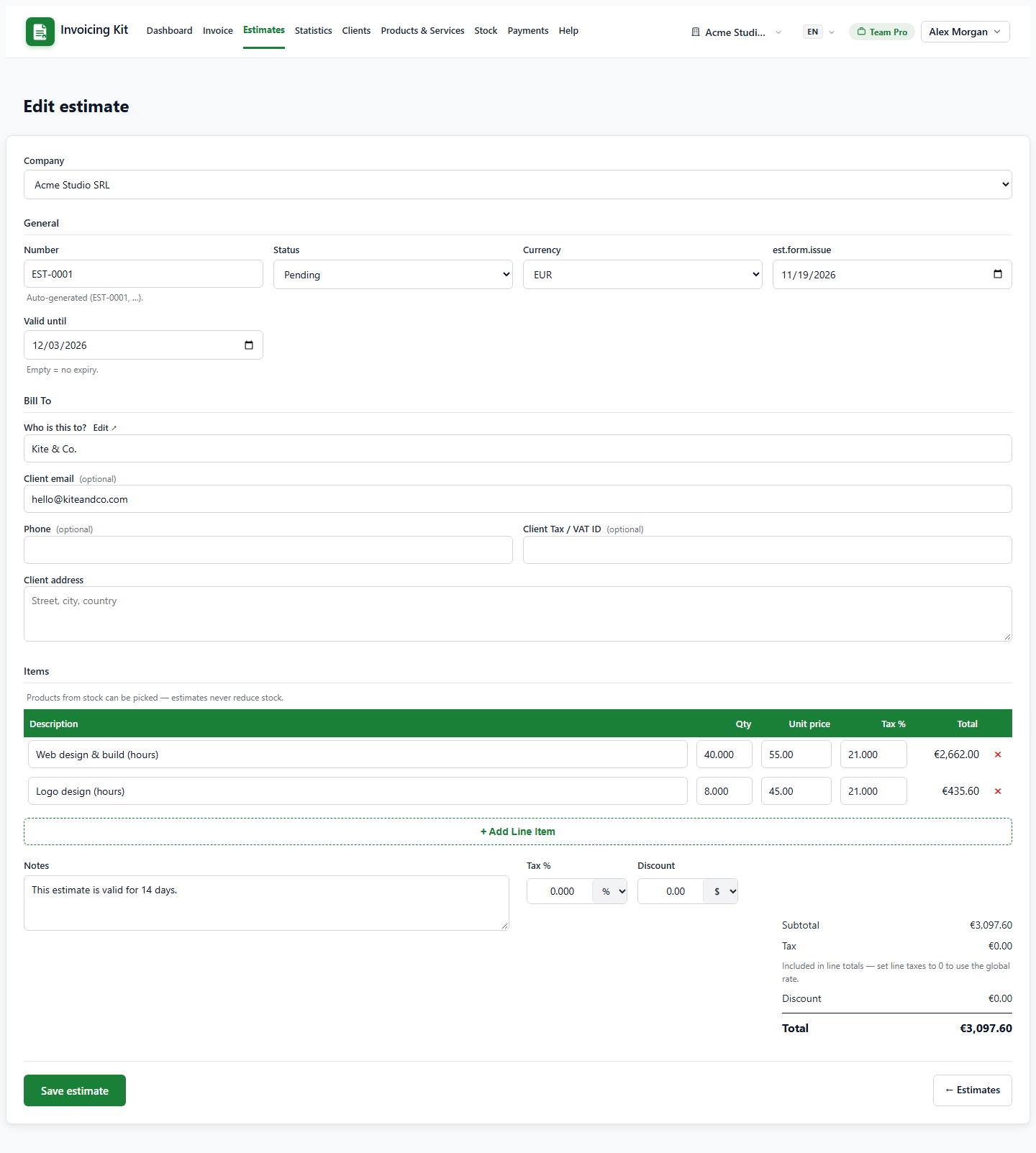
Convert to an invoice
From the estimate row you can create an invoice in one click:
- To draft — creates an editable draft invoice using the estimate items, prices and client.
- To invoice — creates an issued (Sent) invoice directly. A client is required; without one the app shows a popup asking you to add a client first.
The conversion copies the line items and product links, sets the issue date to today and the due date 14 days ahead. The invoice then behaves normally: it consumes quota and applies stock changes for tracked products. The estimate becomes Converted, is frozen, and shows a link to the new invoice.